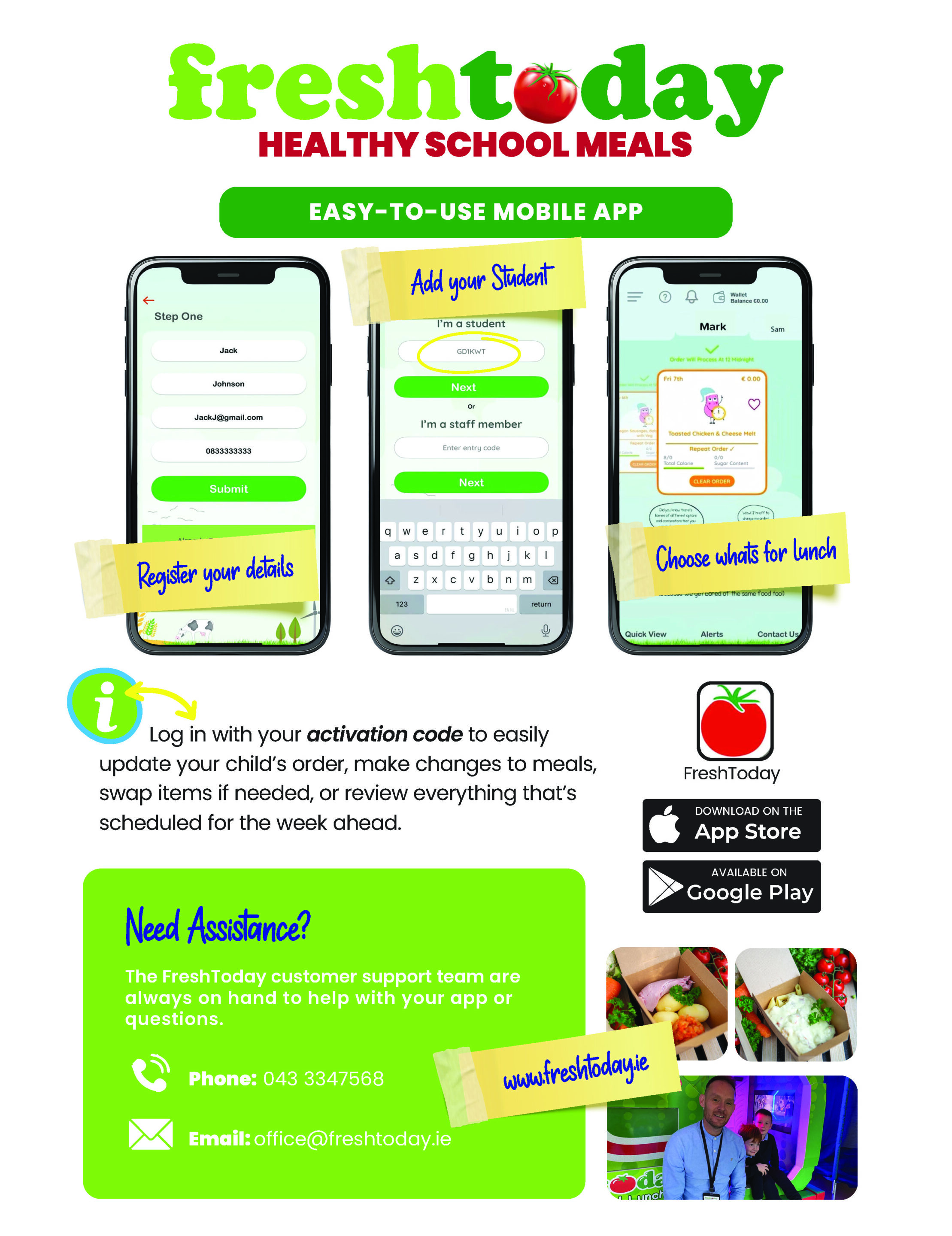
Whether you’re brand new to Freshtoday or just looking for a refresher, this guide walks you through everything you need to get set up, stay in control of your child’s meals, and make the most of everything Freshtoday has to offer. It’s simpler than you think, let’s get started!
Step 1 – Download the Freshtoday App
The Freshtoday app is your go-to tool for managing your child’s school meals quickly and easily, right from your phone.
- iPhone / iPad: Search for ‘Freshtoday’ on the App Store, or visit freshtoday.ie for a direct link.
- Android: Search for ‘Freshtoday’ on Google Play, or visit freshtoday.ie for a direct link.
Prefer to order on a computer? You can also access the ordering portal directly at freshtoday.ie, everything is available online too.


Step 2 – Create Your Account
Once you’ve downloaded the app or visited the portal, setting up your account takes just a few minutes:
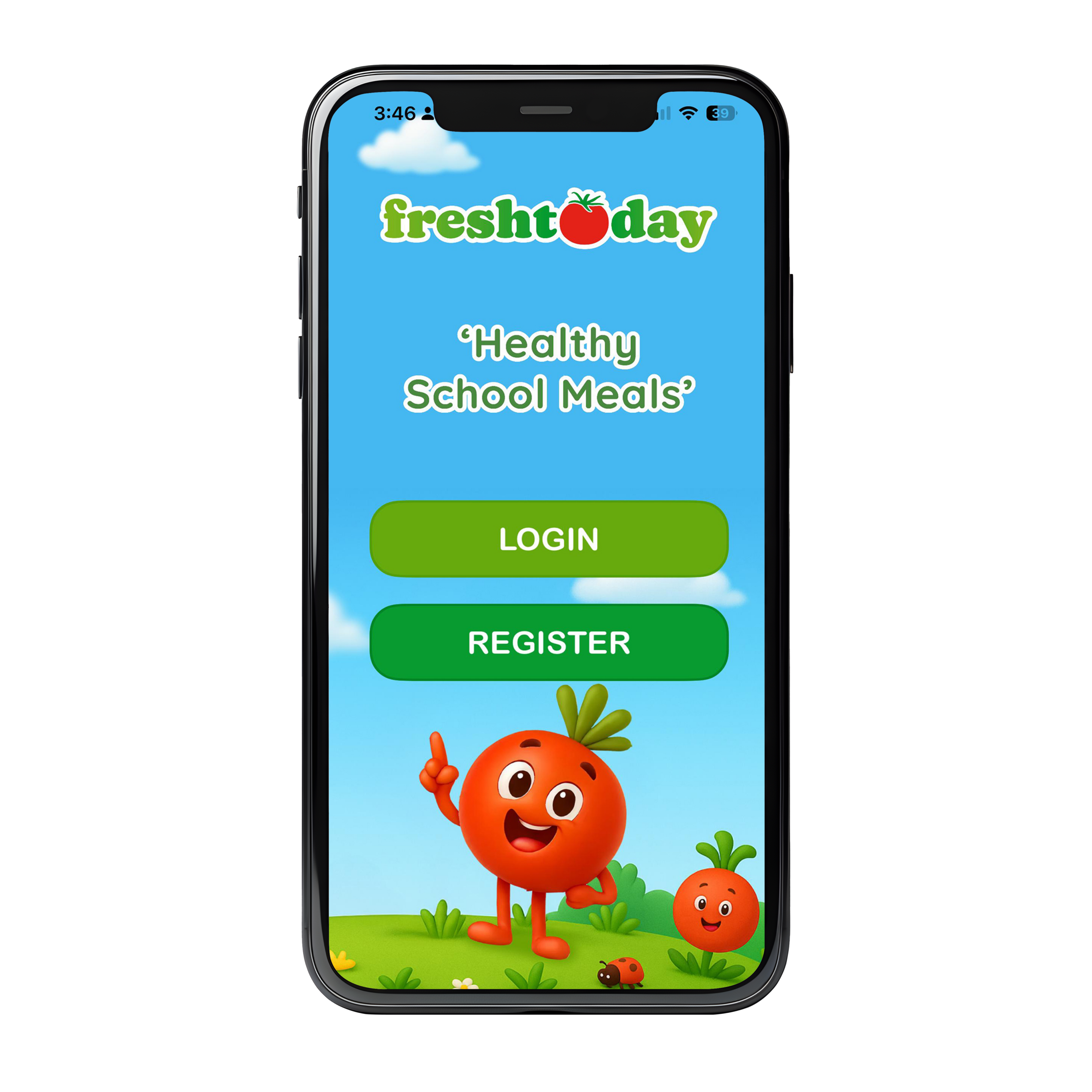
- Open the app: Tap ‘Sign Up’ or ‘Create Account’ on the home screen.
- Enter your details: Fill in your name, email address, and create a secure password.
- Verify your email: Check your inbox for a verification email from Freshtoday and click the link to confirm your account.
- Add your child: Enter your child’s name, school, and class so we can link them to the correct menu.
Already have an account? Simply log in with your existing email and password, no need to sign up again.
Step 3 – Enter Your School Access Code
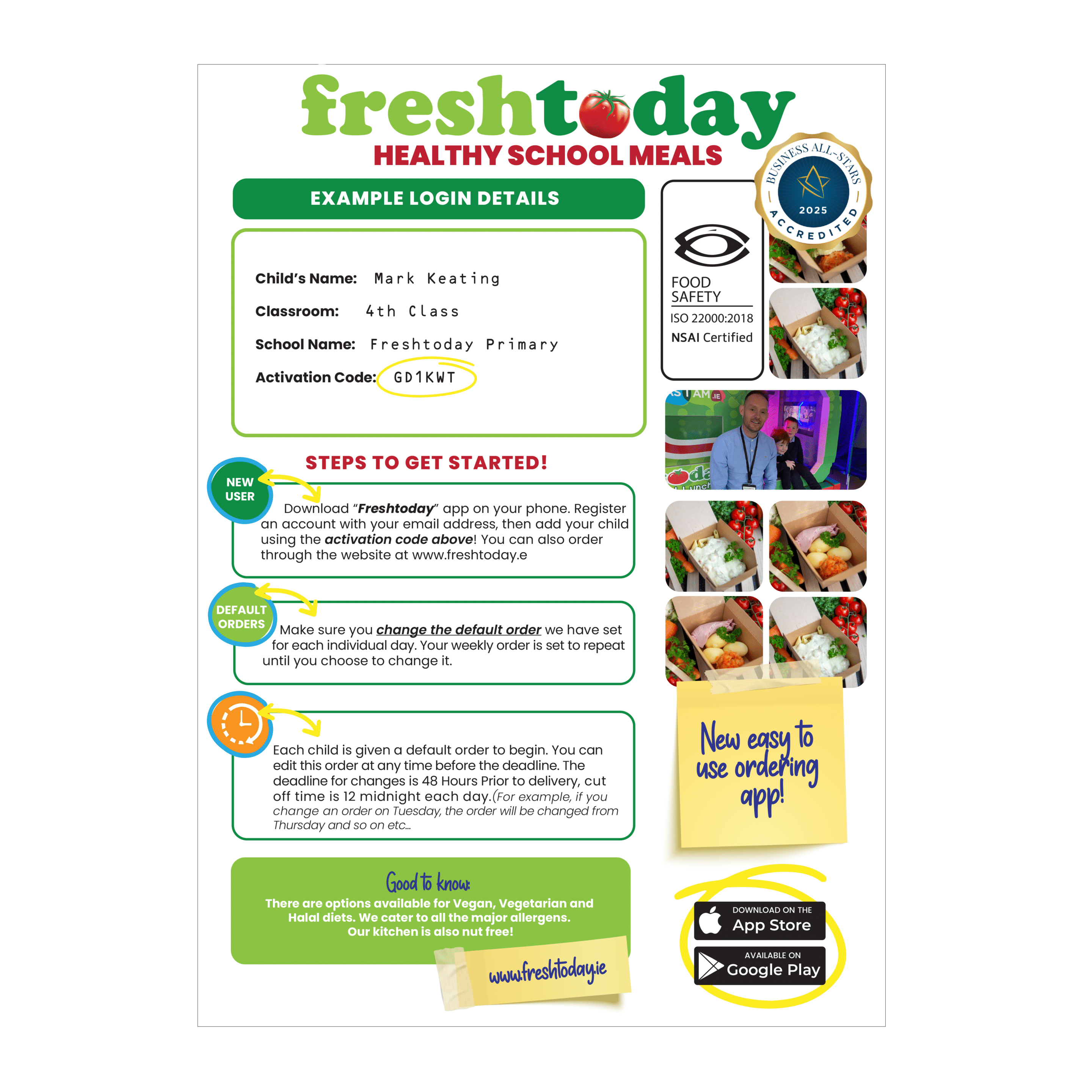
Each school has a unique access code that connects your child to their school’s specific meal programme.
You’ll find your school’s access code on the App Login sheet that was sent home with your child when your school first joined Freshtoday.
If you can’t find your access code, don’t worry; simply contact your school’s office or reach out to our team at office@freshtoday.ie and we’ll have it with you straight away.
Step 4 – View & Manage Your Child’s Orders
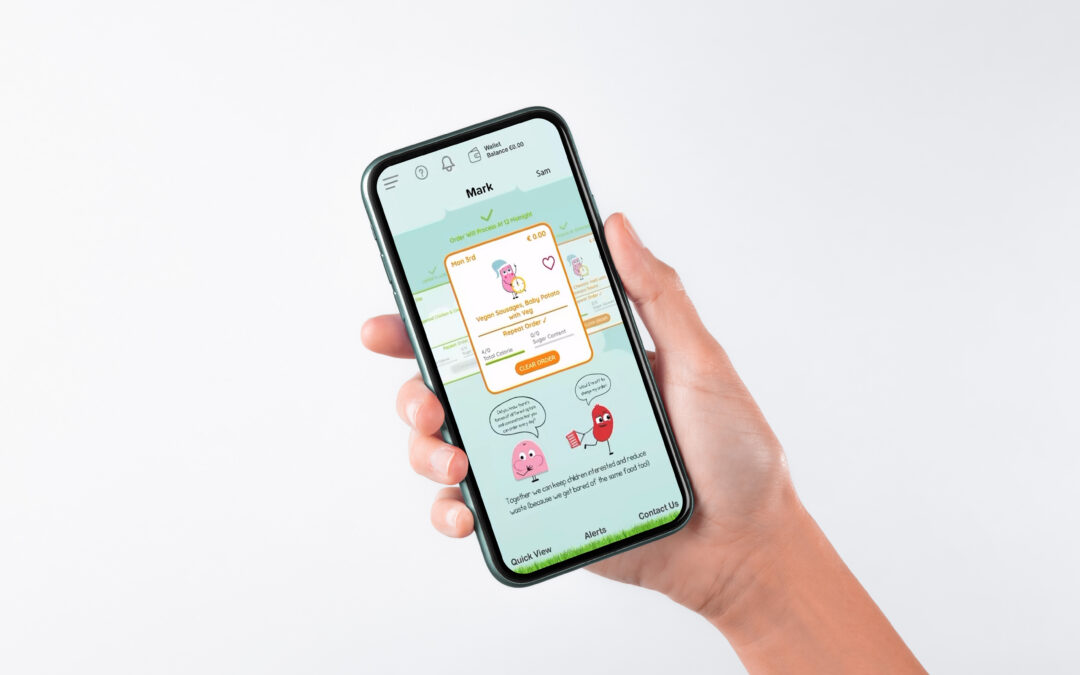
Once you’re set up, you have full control over what your child eats. Here’s what you can do:
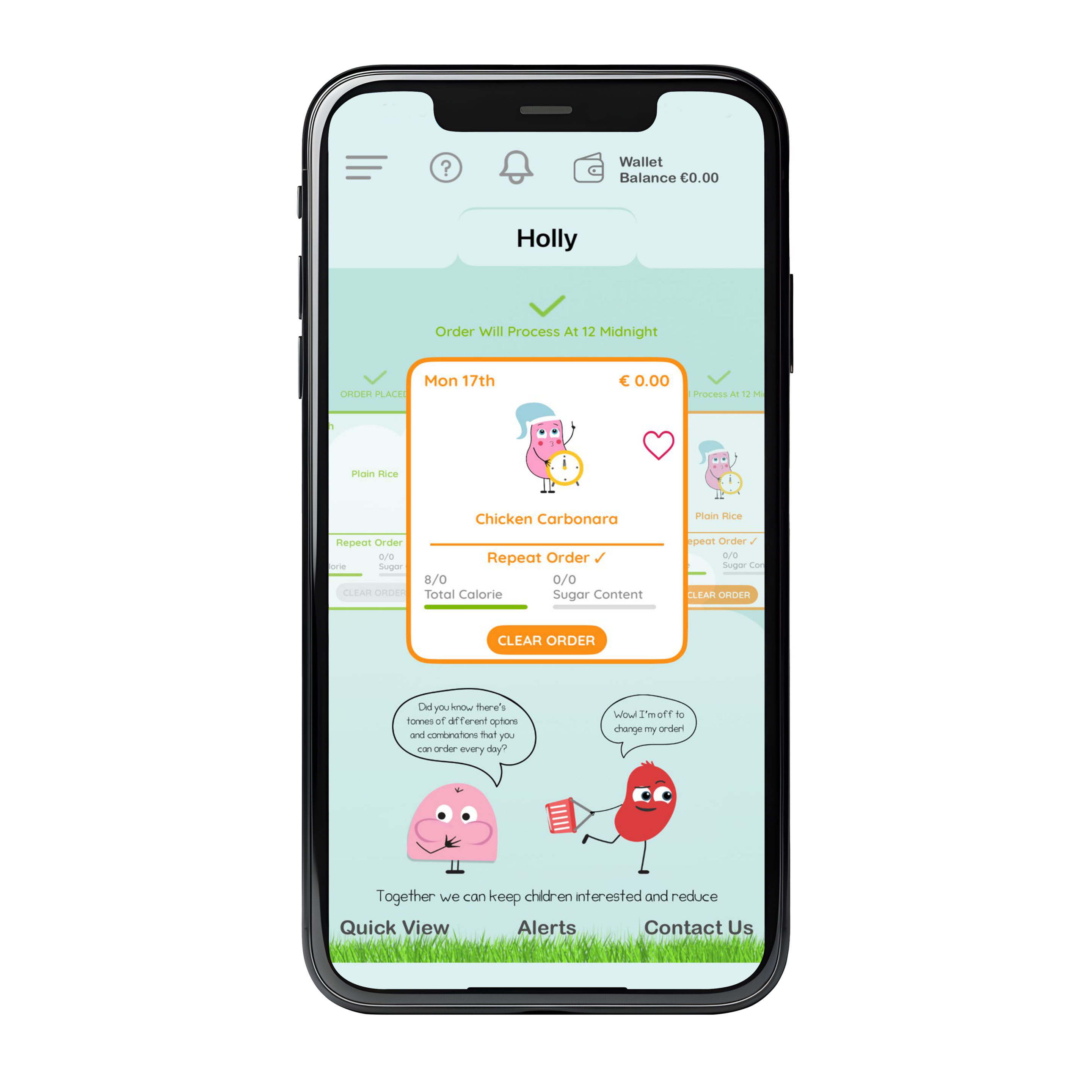
- View upcoming meals: See exactly what your child is scheduled to have each day; no surprises!
- Change orders: Swap meals easily up to the ordering deadline for that day.
- Default meals: Don’t worry if you forget to order, default meals are already in place so your child will always have lunch.
- Order in advance: Plan ahead by setting up meals for the week or even the month.
- Multiple children: Managing meals for more than one child? You can add multiple children to a single account with ease.
Step 5 – Check Allergen & Nutritional Information
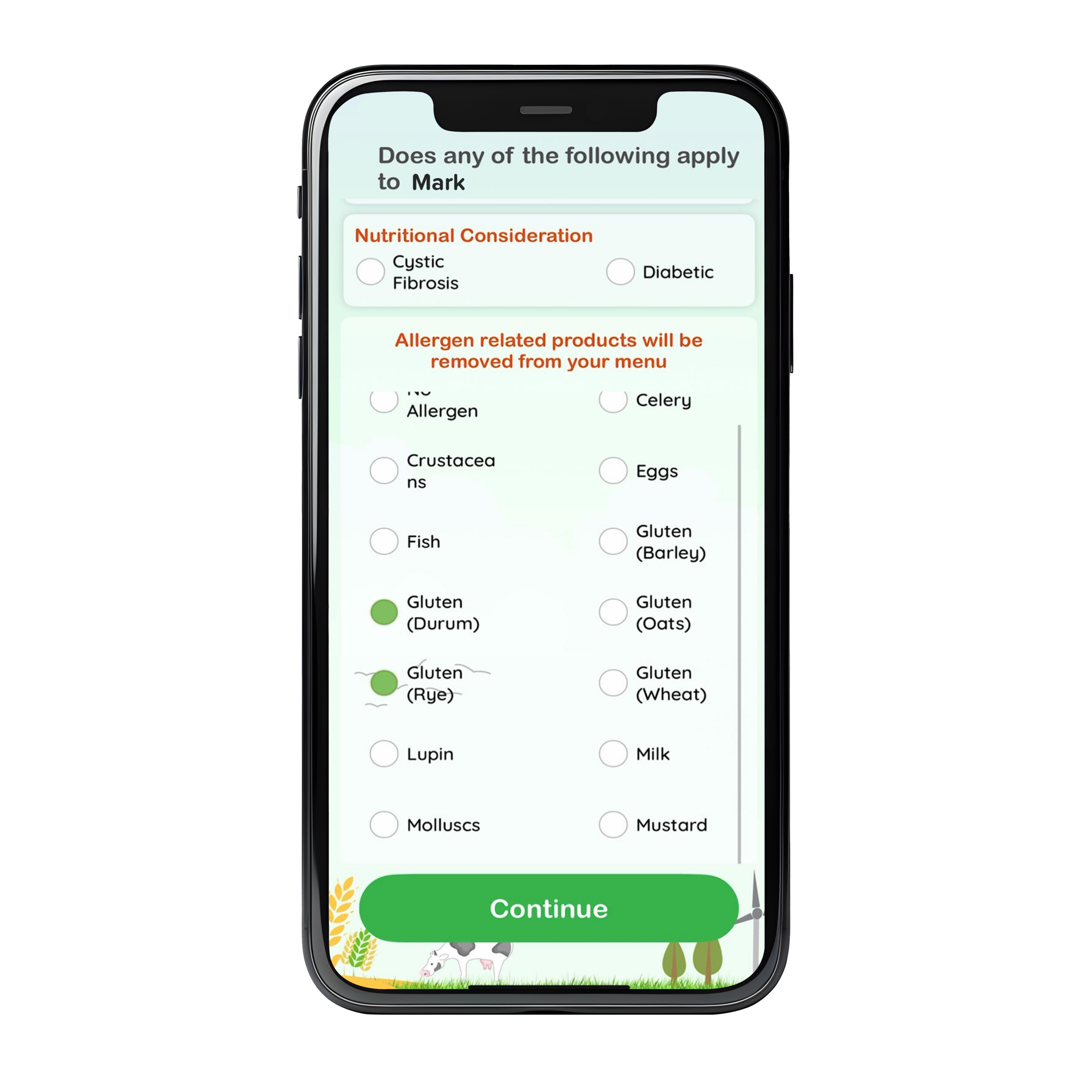
We believe every parent has the right to know exactly what goes into their child’s meal. That’s why all allergen and nutritional information is clearly available at every step.
- In the app: Tap any meal to view full ingredients, allergens, and nutritional values.
- On our website: Visit the Nutritional & Allergen Information section at freshtodaymidlands.ie for a full breakdown.
- Halal & Gluten-Free options: We cater for a range of dietary requirements. Check our Halal Friendly and Gluten-Free sections on the website for full details.
If your child has a specific allergy or dietary need not covered in the app, please contact our team directly, we’re always happy to help find the right solution.
Need Help? Contact Our Team
Our friendly team is always on hand if you have any questions, run into any issues, or just need a bit of guidance:
- Email: office@freshtoday.ie
- Phone (Longford): 043 334 7568
- Phone (Dublin): 01 969 6803
- FAQ: Visit our Frequently Asked Questions section at freshtodaymidlands.ie; covering allergens, ordering, halal options, packaging, and more.
- How to Order Guide: Step-by-step ordering instructions are available at freshtodaymidlands.ie/order